NovaStar Online Workshops

Improving your work starts with improving yourself.
NovaStar Online Workshops provide you with the most comprehensive training videos concerning basic knowledge, software operation and product solutions.

In addition to attending on-site training classes, NovaStar now also offers video knowledge, for a more convenient way to learn.

There are various video series, 100% made by NovaStar, which are aimed at increasing technical knowledge, mastering software operation, and taming on-site troubleshooting.


Welcome to follow NovaStar YouTube Channel.  

  • VMP & MX Series Operation Videos

    01.How-To: Register Virtual Device in VMP

    02.How-To: VMP MX40 Pro-Input Source Configuration

    03.How-To: VMP MX40 Pro Setup Screen

    04.How-To: VMP MX40 Pro Swift Layout.
    05.How-To: VMP MX40 Pro Tile Painter

    06.How to: VMP MX40 Pro-Back Up setting

    07.How to: VMP MX40 Pro Correct Seams

    08.VMP MX40 Pro Correct Multi Batch Tiles Modules

    09.VMP MX40 Pro Color Replacement

    10.VMP MX40 Pro 14CH Color Correct

    11.VMP MX40 Pro Adjust the Curve

    12.VMP MX40 Pro Group Management

    13.VMP MX40 Pro Firmware Check and Upgrade

    14.VMP MX40 Pro 3D LUT

    15.VMP MX40 Pro Preset Management

    16.VMP MX40 Pro 3D Function Settings

    VMP & MX Series Operation Videos

    • 01.How-To: Register Virtual Device in VMP
    • 02.How-To: VMP MX40 Pro-Input Source Configuration
    • 03.How-To: VMP MX40 Pro Setup Screen
    • 04.How-To: VMP MX40 Pro Swift Layout.
    • 05.How-To: VMP MX40 Pro Tile Painter
    • 06.How to: VMP MX40 Pro-Back Up setting
    • 07.How to: VMP MX40 Pro Correct Seams
    • 08.VMP MX40 Pro Correct Multi Batch Tiles Modules
    • 09.VMP MX40 Pro Color Replacement
    • 10.VMP MX40 Pro 14CH Color Correct
    • 11.VMP MX40 Pro Adjust the Curve
    • 12.VMP MX40 Pro Group Management
    • 13.VMP MX40 Pro Firmware Check and Upgrade
    • 14.VMP MX40 Pro 3D LUT
    • 15.VMP MX40 Pro Preset Management
    • 16.VMP MX40 Pro 3D Function Settings
  • H series

    H Series Operation Video

    01.System Structure

    02.Screen Configuration

    03.Create layers with video source input

    04.Preset&Preset Playback

    05.Multiviewer & Device & Settings

    06.Taking layer effect to screen

    07.OSD Text&OSD Image

    08.BKG

    09.EDID Management&EDID advanced setting

    10.Input source grouping

    11.Input Crop

    12.Layer control&Layer Flip

    13.IPC settings

    14.User management

    15.Self Test

    16.Set Logo

    17.Single and Dual link switch settings for daughter card

    18.3D

    19.HDR

    • 01.System Structure
    • 02.Screen Configuration
    • 03.Create layers with video source input
    • 04.Preset&Preset Playback
    • 05.Multiviewer & Device & Settings
    • 06.Taking layer effect to screen
    • 07.OSD Text&OSD Image
    • 08.BKG
    • 09.EDID Management&EDID advanced setting
    • 10.Input source grouping
    • 11.Input Crop
    • 12.Layer control&Layer Flip
    • 13.IPC settings
    • 14.User management
    • 15.Self Test
    • 16.Set Logo
    • 17.Single and Dual link switch settings for daughter card
    • 18.3D
    • 19.HDR

    Unboxing Review of H Series

    01.French

    02.German

    03.Japanese

    04.Russian

    • 01.French
    • 02.German
    • 03.Japanese
    • 04.Russian
  • NovaStar Course

    01.Smart settings for a regular module

    02.Exchange Data Group

    03.LCT Performance Settings and Receiving Card Configuration Files

    04 Screen Connection & Mult-Screen Management

    05.Multifunctional Card

    06.Brightness Adjustment

    07.Prestored Image Setting

    08.Quick Seam Adjustment

    09.Redundancy Backup Setting

    10.Firmware upgrade

    11.Armor Series Receiving Card Rotation Features

    12.Basic software setting of V-Can

    13.Adjust Calibration Coefficient

    14.Multi-batch Adjustment

    15.System Monitoring Checking

    NovaStar Course


    This video series is a professionally technical demonstration series.

    It shows the detailed steps to manage the main functions of an LED display one by one, and the main points that users must pay attention  to throughout the whole operation.

    With continuous production, there will be more language versions such as Spanish, Russian, etc.

    • 01.Smart settings for a regular module
    • 02.Exchange Data Group
    • 03.LCT Performance Settings and Receiving Card Configuration Files
    • 04 Screen Connection & Mult-Screen Management
    • 05.Multifunctional Card
    • 06.Brightness Adjustment
    • 07.Prestored Image Setting
    • 08.Quick Seam Adjustment
    • 09.Redundancy Backup Setting
    • 10.Firmware upgrade
    • 11.Armor Series Receiving Card Rotation Features
    • 12.Basic software setting of V-Can
    • 13.Adjust Calibration Coefficient
    • 14.Multi-batch Adjustment
    • 15.System Monitoring Checking
  • ACADEMY

    This video series, which is completely recorded by NovaStar trainers, introduces our stellar products and  applications.

    Come on and check out if there are some familiar faces!

    English Video Category

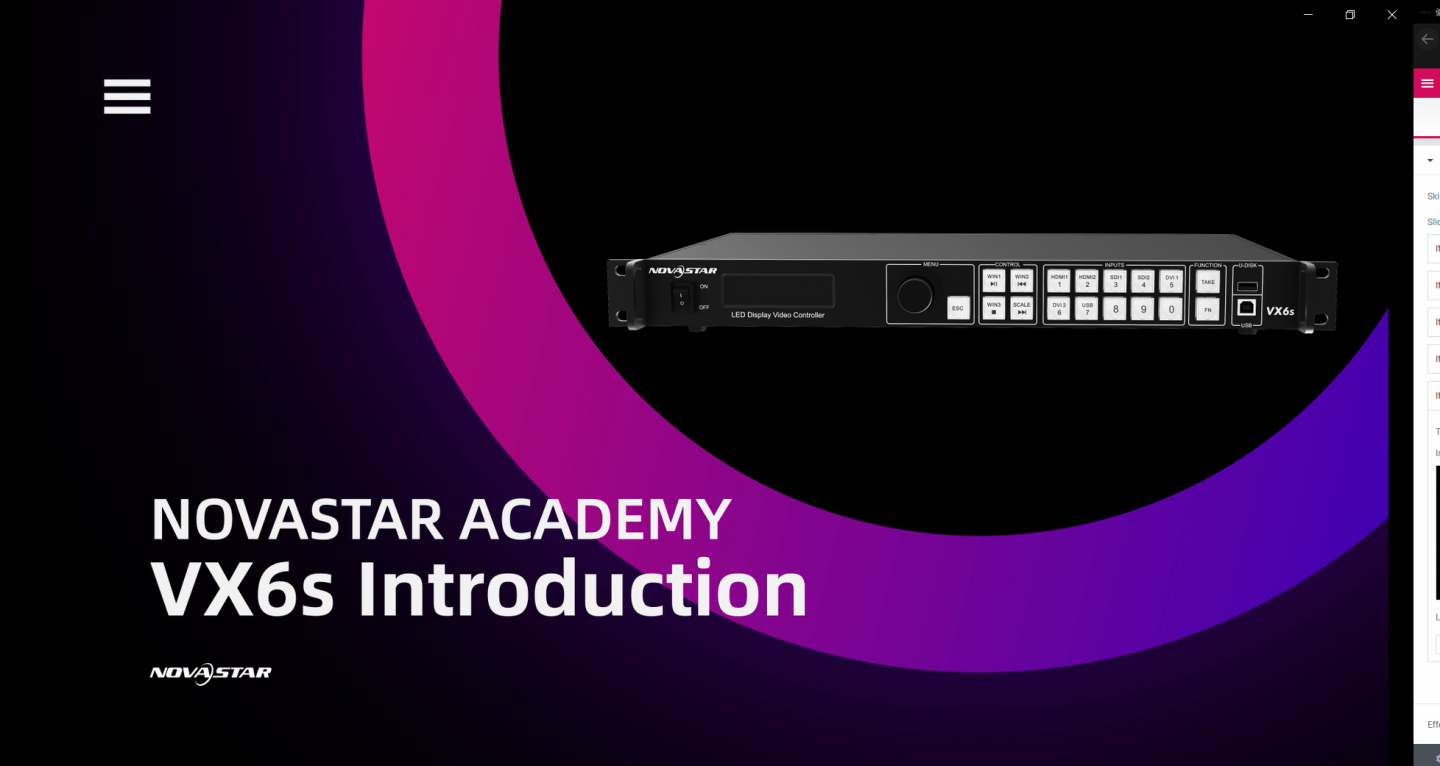
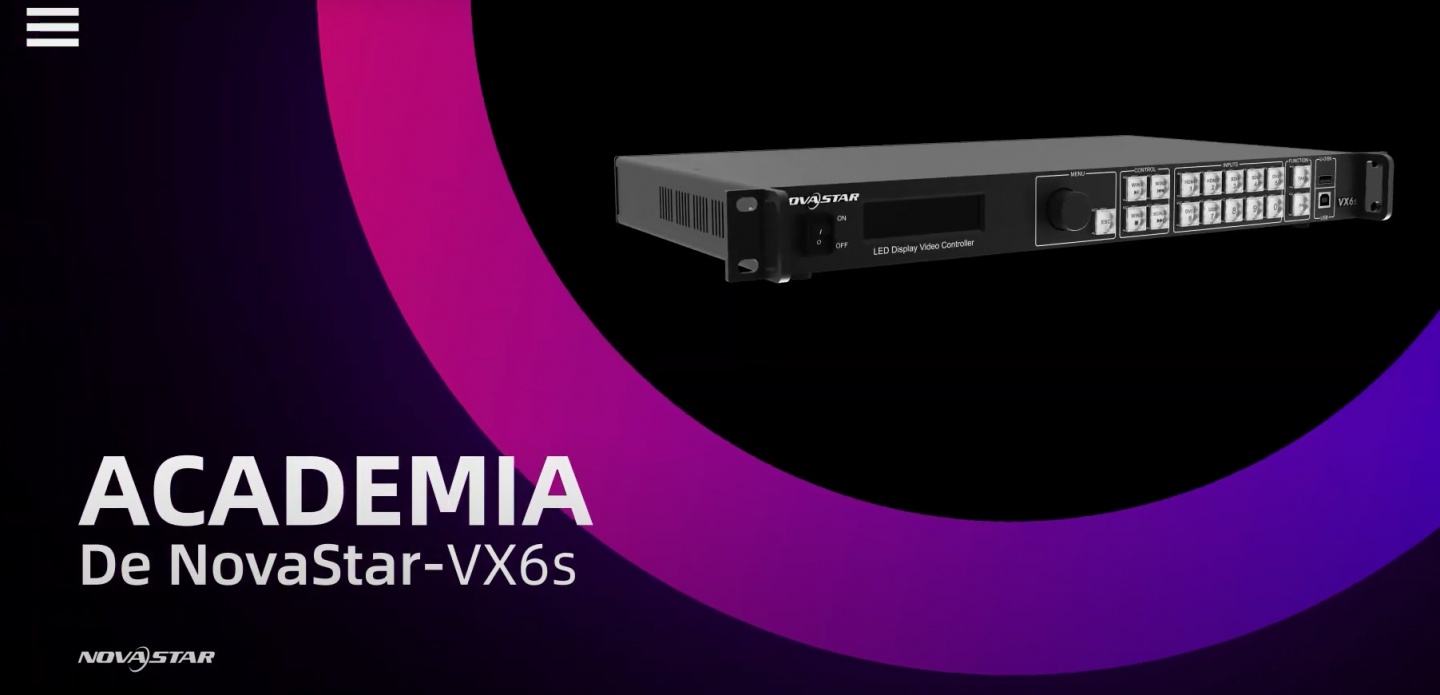
    01.VX6s Introduction

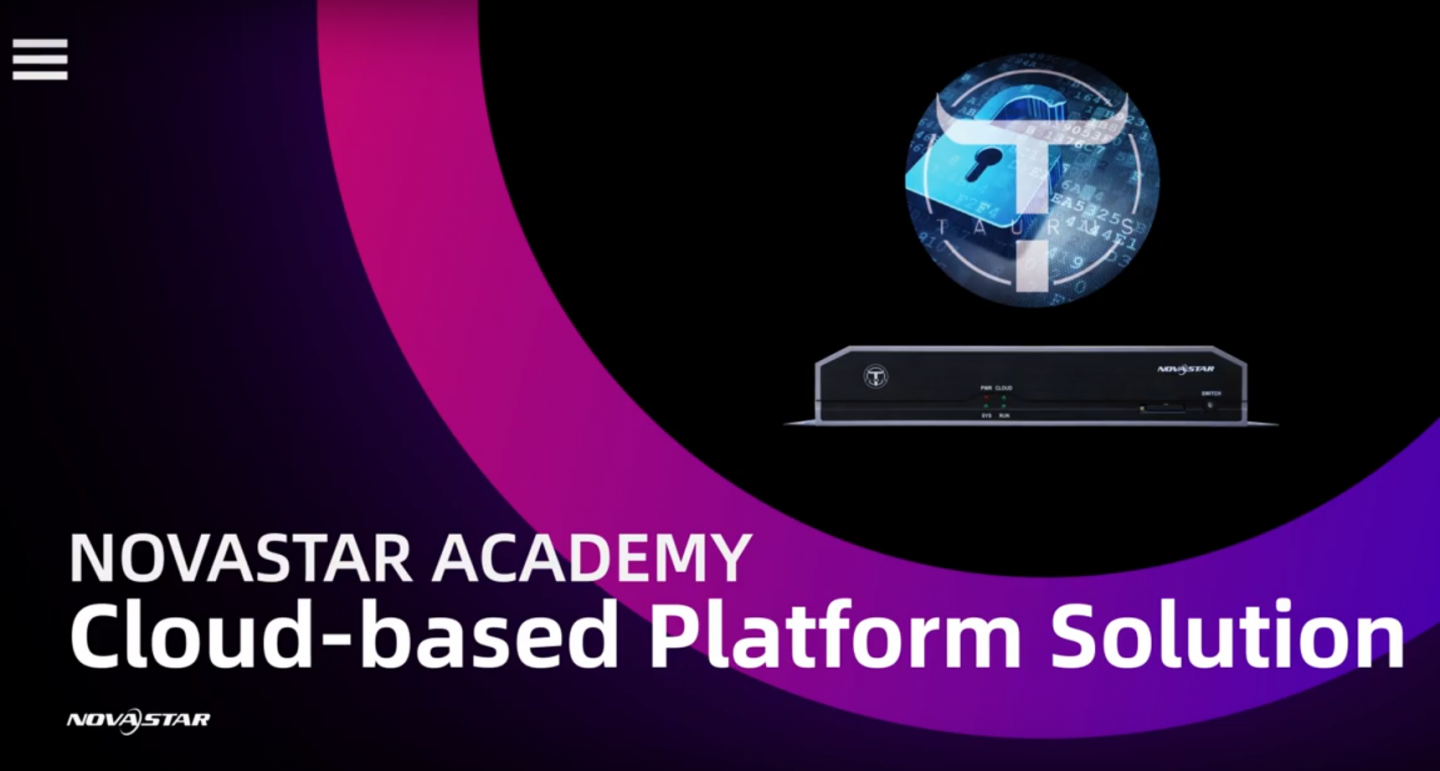
    02.Cloud Based Platform Solution

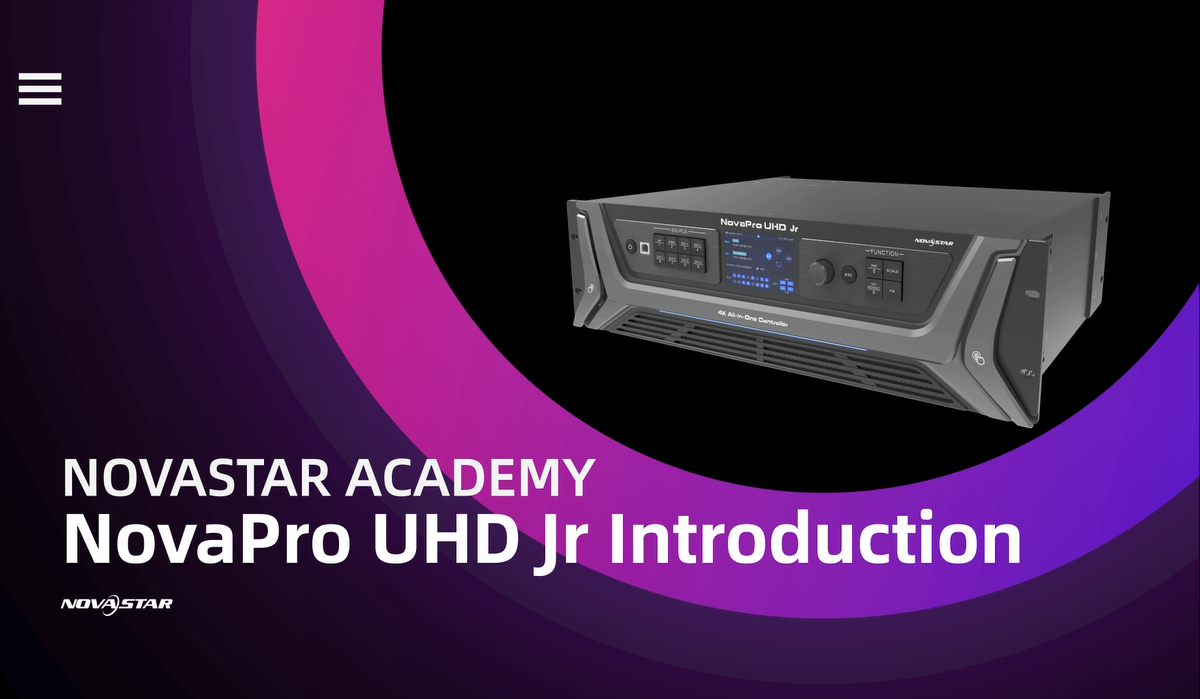
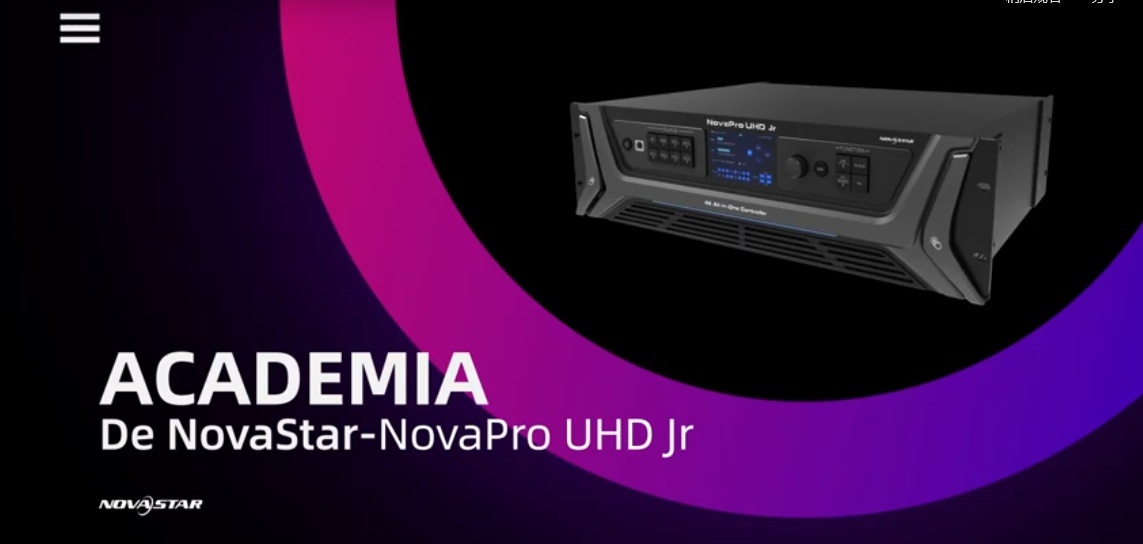
    03.NovaPro UHD Jr Introduction

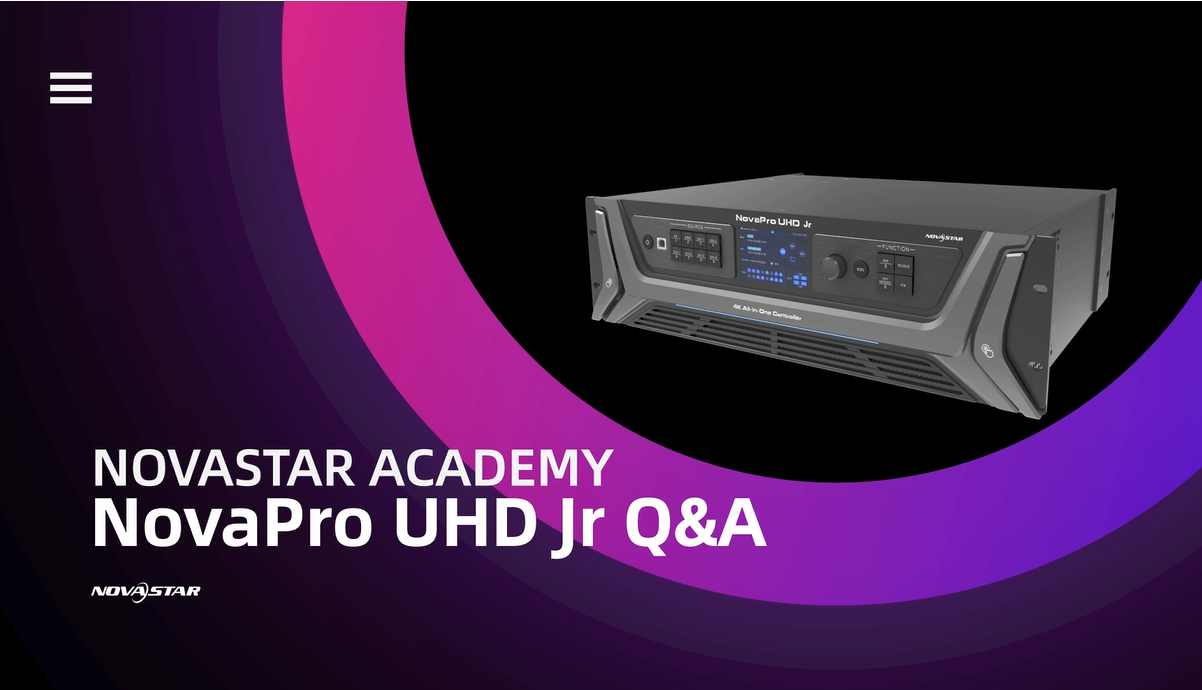
    04.NovaPro UHD Jr Q&A

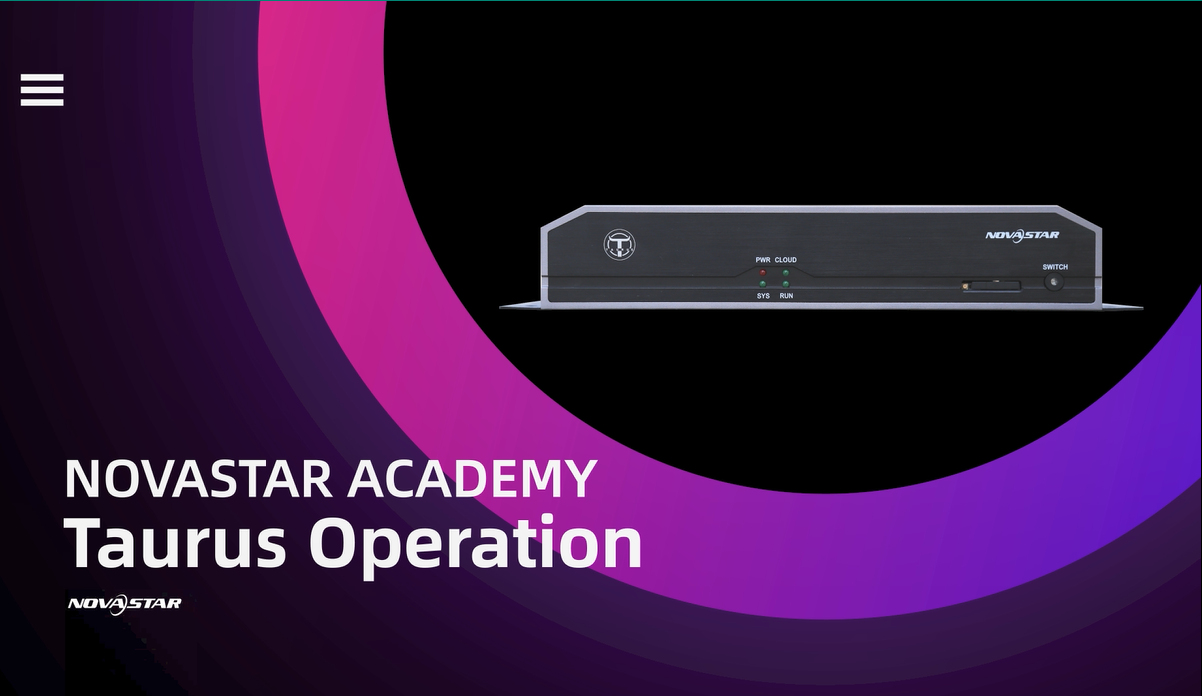
    05.Taurus Operation

    06.HDR Solution

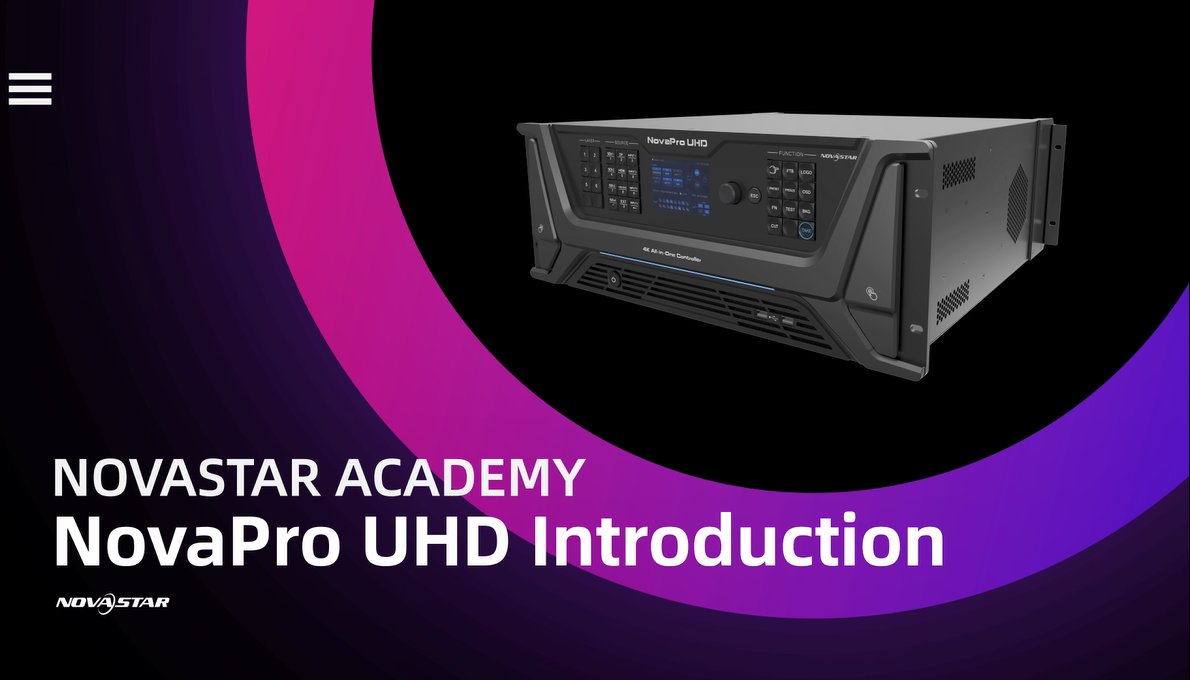
    07.NovaPro UHD Introduction

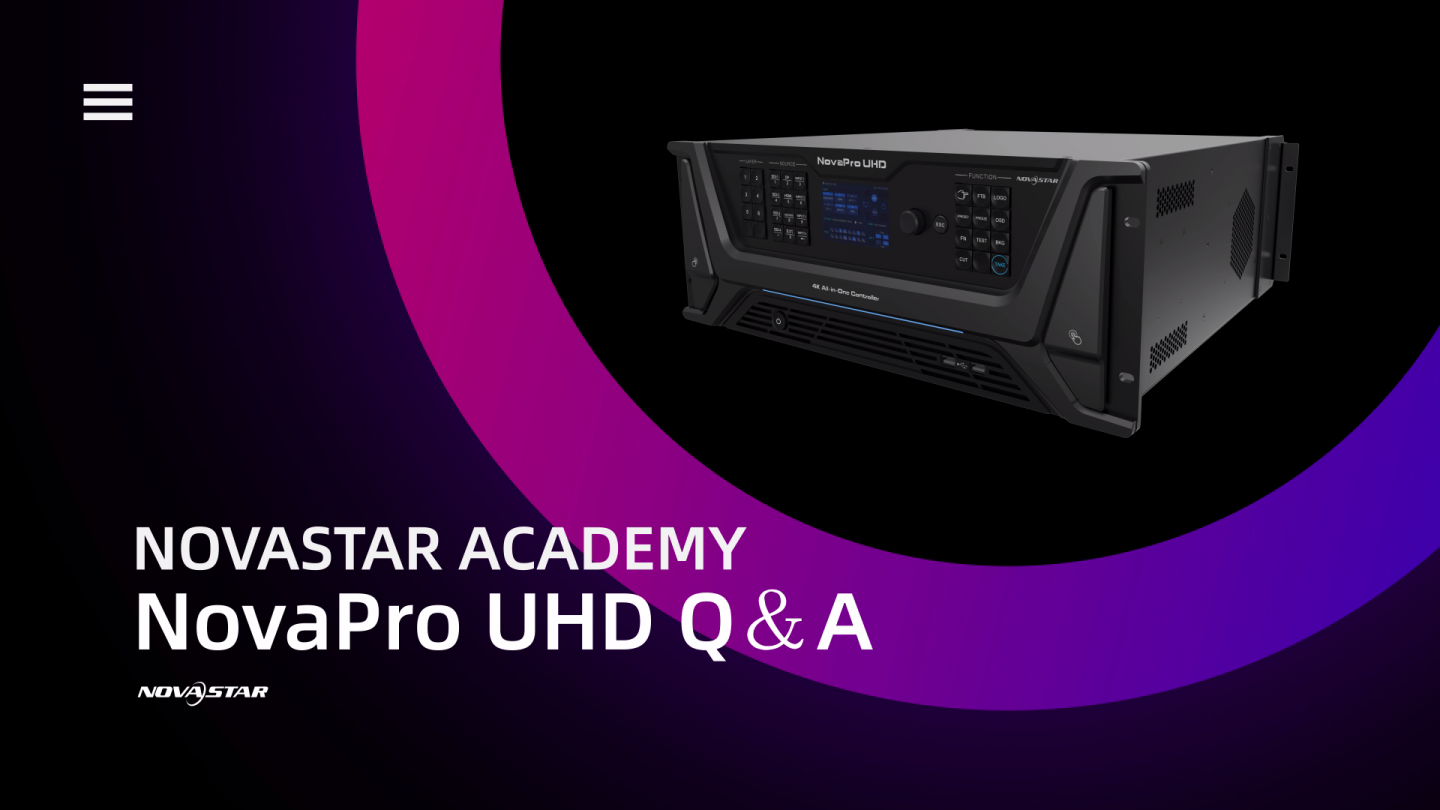
    08.Q&A of NovaPro UHD

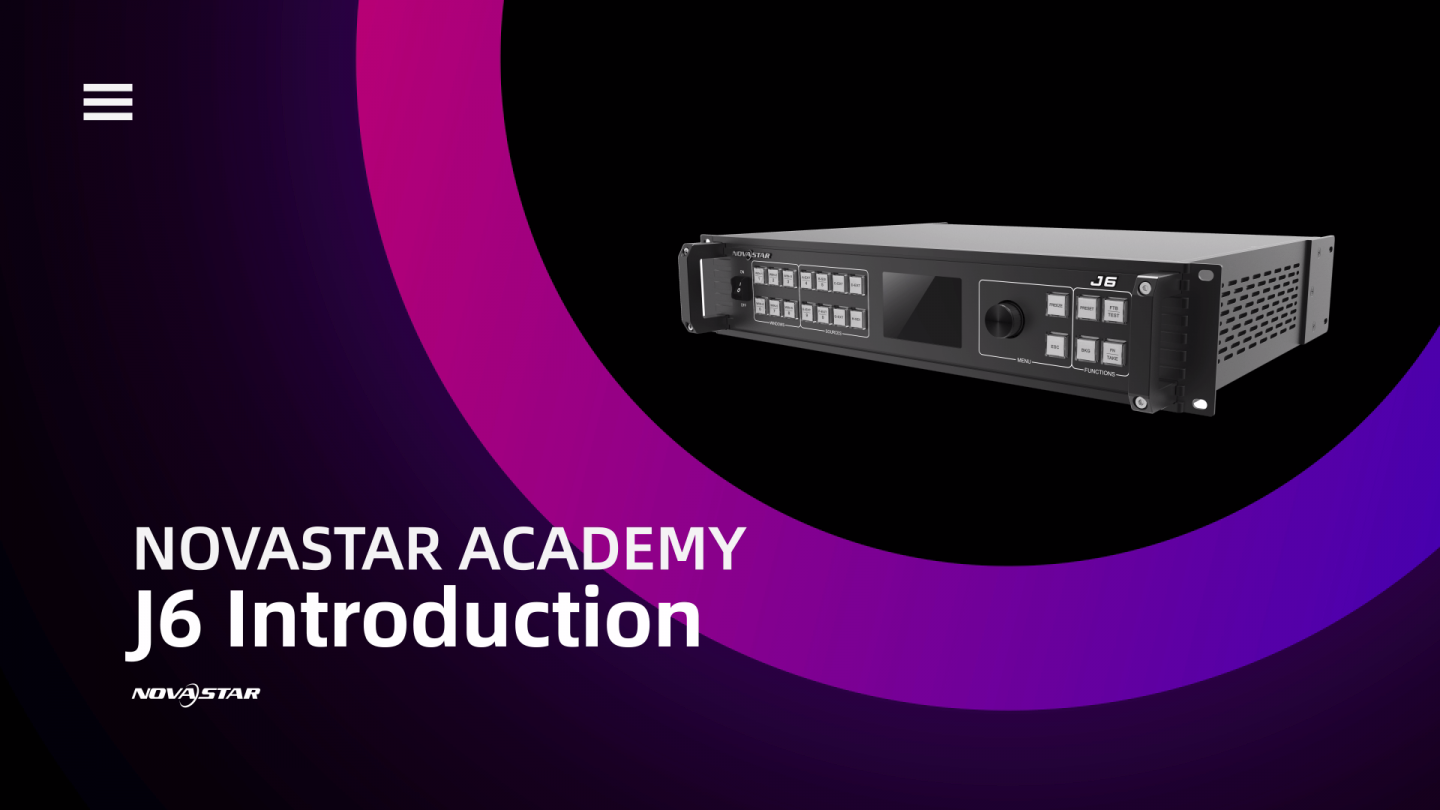
    09.J6 Introduction

    • 01.VX6s Introduction
    • 02.Cloud Based Platform Solution
    • 03.NovaPro UHD Jr Introduction
    • 04.NovaPro UHD Jr Q&A
    • 05.Taurus Operation
    • 06.HDR Solution
    • 07.NovaPro UHD Introduction
    • 08.Q&A of NovaPro UHD
    • 09.J6 Introduction

    Spanish Video Category

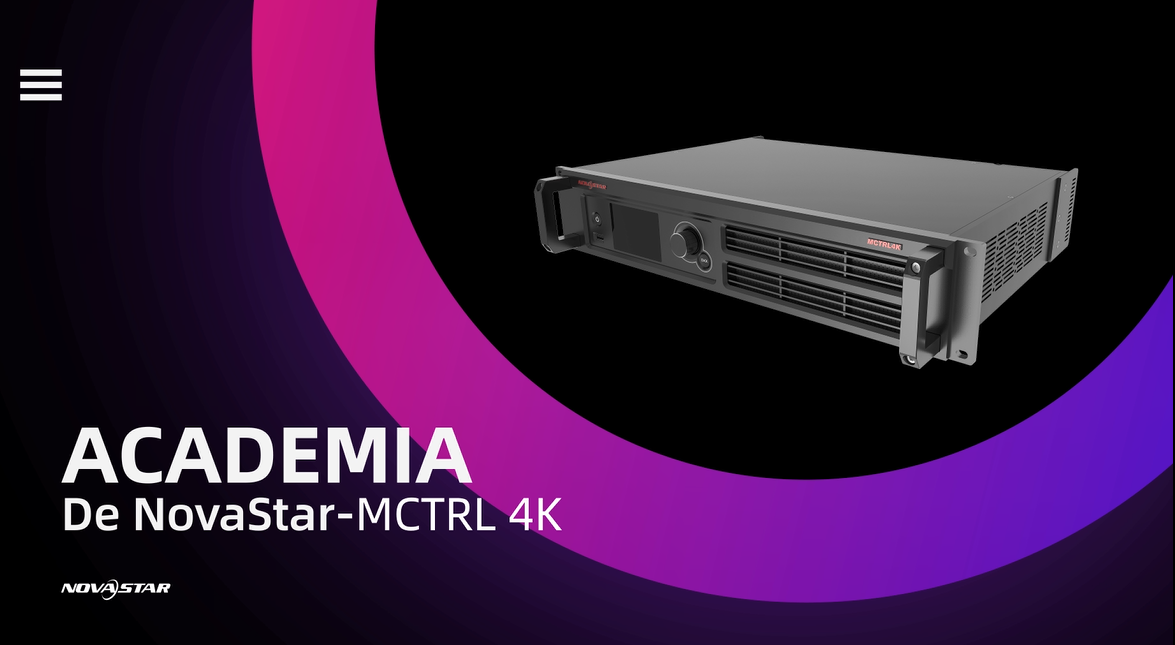
    01.Introducción General de MCTRL4K NovaStar

    02.NovaPro UHD Jr, la última generación de Controlador Todo en Uno de 4K

    03.All In One VX6s Te Da Todo Con Una Sola Unidad

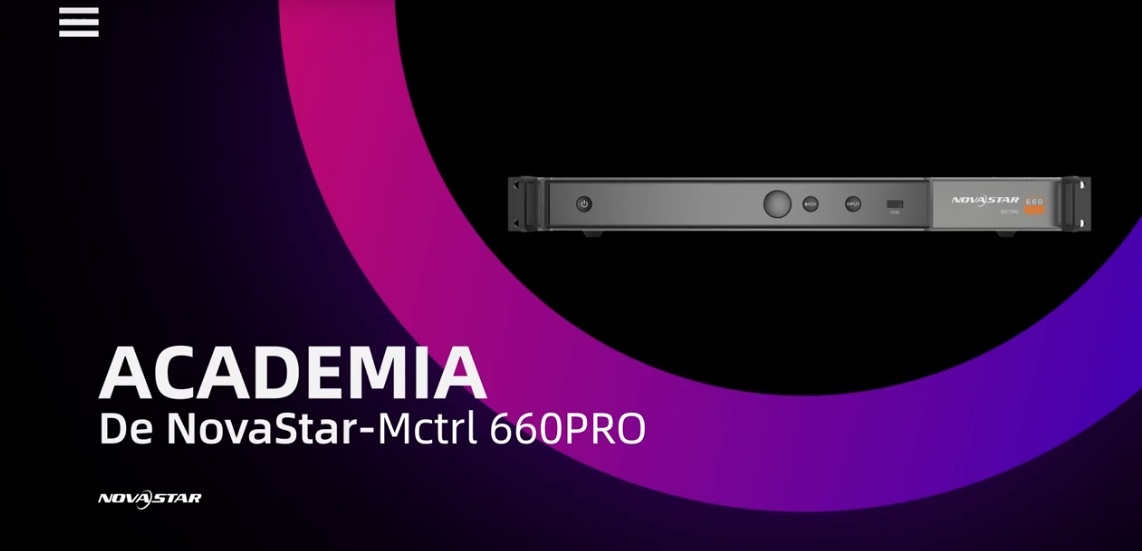
    04.MCTRL660 PRO, un controlador de latencia ultra baja

    05.Procesador J6, Funcionalidad, Estabilidad y Potencia, Todo en una máquina

    • 01.Introducción General de MCTRL4K NovaStar
    • 02.NovaPro UHD Jr, la última generación de Controlador Todo en Uno de 4K
    • 03.All In One VX6s Te Da Todo Con Una Sola Unidad
    • 04.MCTRL660 PRO, un controlador de latencia ultra baja
    • 05.Procesador J6, Funcionalidad, Estabilidad y Potencia, Todo en una máquina
  • NCE Online Training

    01.Basic knowledge of NovaStar System

    02.4K Screen Solution

    03.NovaLCT Basic Configuration

    04.Troubleshooting Blackout Issue

    05.Troubleshooting Screen Flickering

    06.Redundancy Configuration

    07.Multiple-screen Solution

    08.Troubleshooting - Different Brightness Issue

    NCE Online Training


    NovaStar Certified Engineer, known as NCE, has trained more than 3000 individuals all over the world since its initiation 2014.

    If you are interested in NovaStar.  If you have the desire to improve your technical skills. If you want to become the best technician you can be… NovaStar’s online NCE training wants you.

    • 01.Basic knowledge of NovaStar System
    • 02.4K Screen Solution
    • 03.NovaLCT Basic Configuration
    • 04.Troubleshooting Blackout Issue
    • 05.Troubleshooting Screen Flickering
    • 06.Redundancy Configuration
    • 07.Multiple-screen Solution
    • 08.Troubleshooting - Different Brightness Issue
  • Webinars 2020

    01.Loading capacity relevant

    02.Fiber Solution Relevant

    03.Latency

    04.Hot Back up

    05.Memory on Module

    06.Multi-batch Adjustment

    07.Trouble Shooting_Part A

    08.Trouble Shooting_Part B

    Webinars 2020


    Webinars 2020 is a training series we have developed to help technicians around the world continue to improve their technical skills.

    • 01.Loading capacity relevant
    • 02.Fiber Solution Relevant
    • 03.Latency
    • 04.Hot Back up
    • 05.Memory on Module
    • 06.Multi-batch Adjustment
    • 07.Trouble Shooting_Part A
    • 08.Trouble Shooting_Part B

Our use of cookies

We use cookies on our website to give you the most relevant experience by remembering your preferences and repeat visits. By clicking “Accept”, you consent to the use of ALL the cookies. For more detailed information about the cookies we use, see our Cookies page.Read MoreACCEPT
Privacy & Cookies Policy